About this project
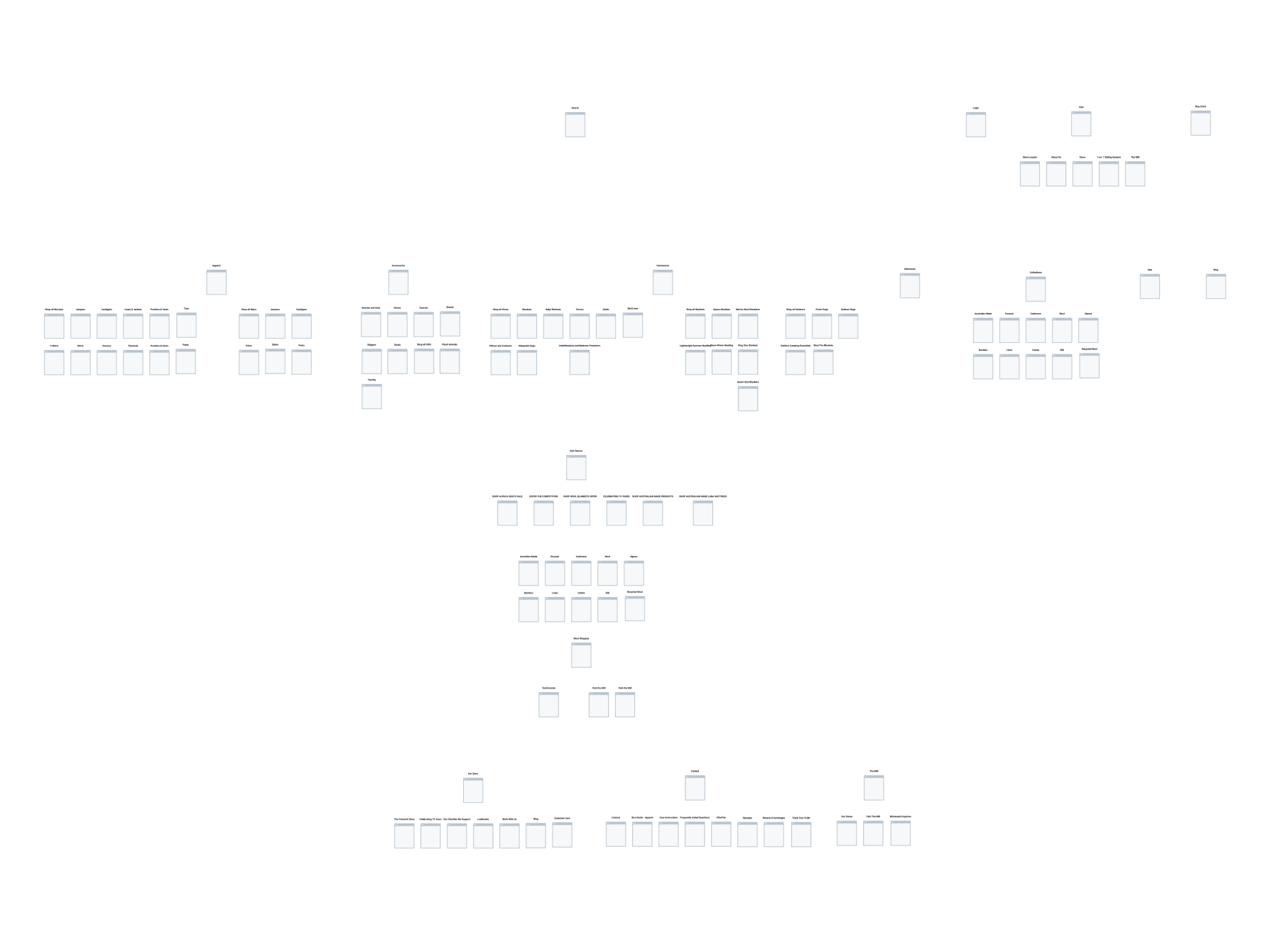
Creating a dashboard design tailored for marketing and retail usage across mobile devices requires careful consideration of user needs, data visualization, and usability. Integrating updated design patterns ensures a modern and cohesive user experience. Here was my approach:
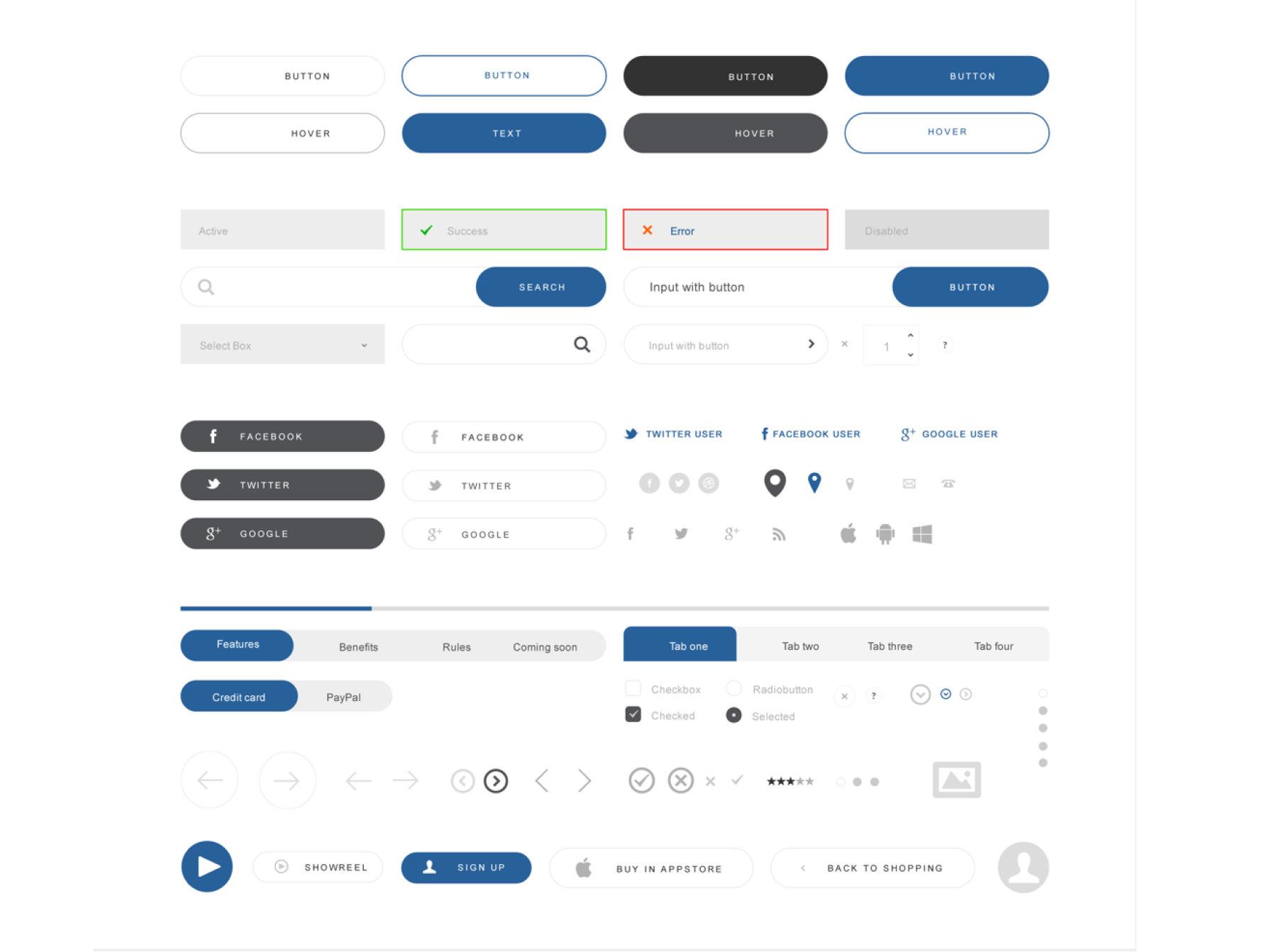
Design System and UX/UI Improvements
User Research and Needs Assessment- Conduct user research to understand the specific needs, goals, and preferences of marketing and retail professionals who will be using the dashboard.
- Design the dashboard with a mobile-first approach, prioritizing responsiveness and usability on smaller screens.
- Consider the limited screen real estate and optimize the layout for mobile devices, focusing on clarity and simplicity.
 ⛶ Full size
- Incorporate updated design patterns that align with modern mobile design trends and usability principles.
- Utilize design systems or UI kits that provide a library of pre-designed components and styles for consistency and efficiency in implementation.
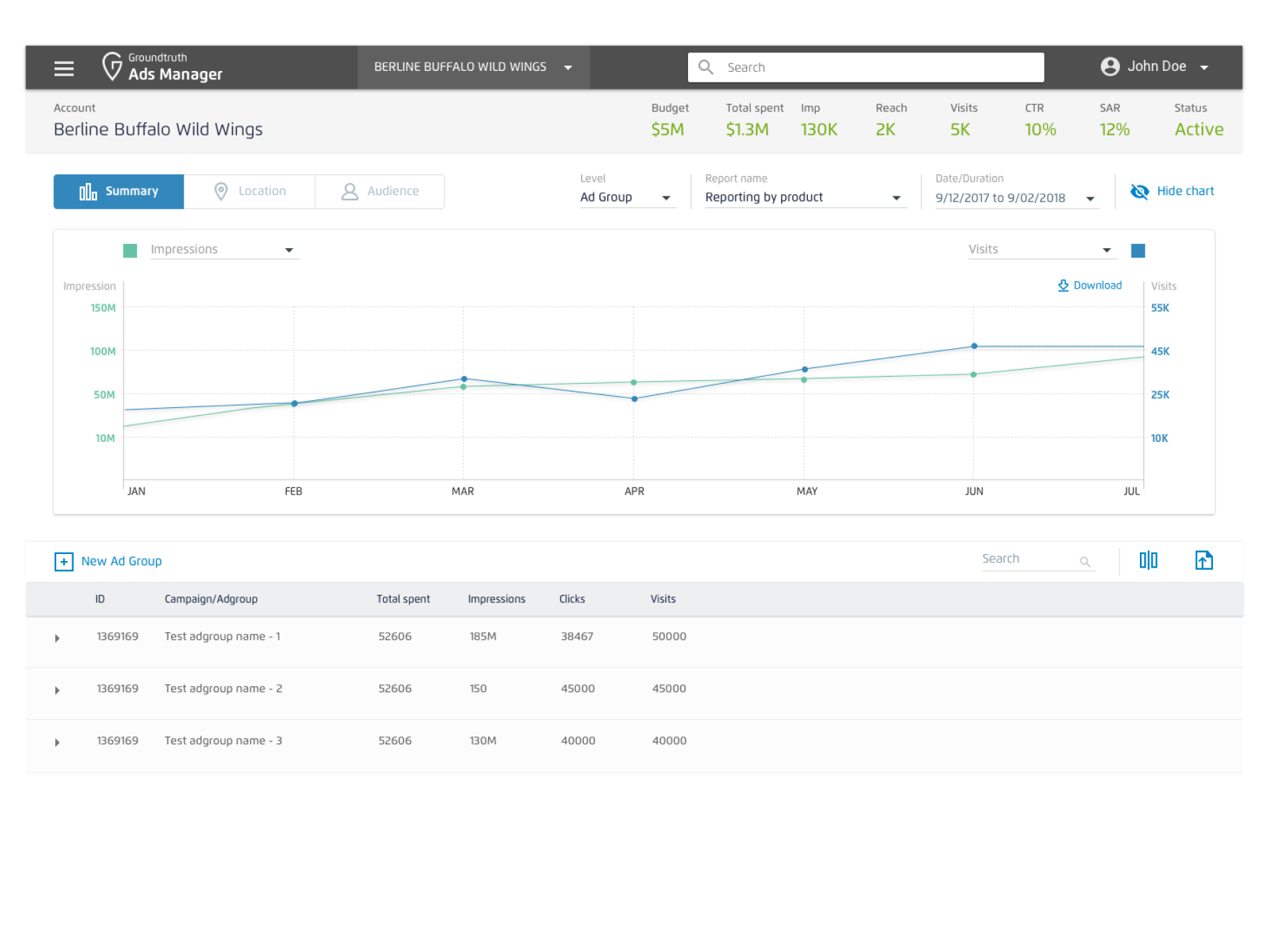
- Choose appropriate data visualization techniques to effectively communicate insights and trends relevant to marketing and retail.
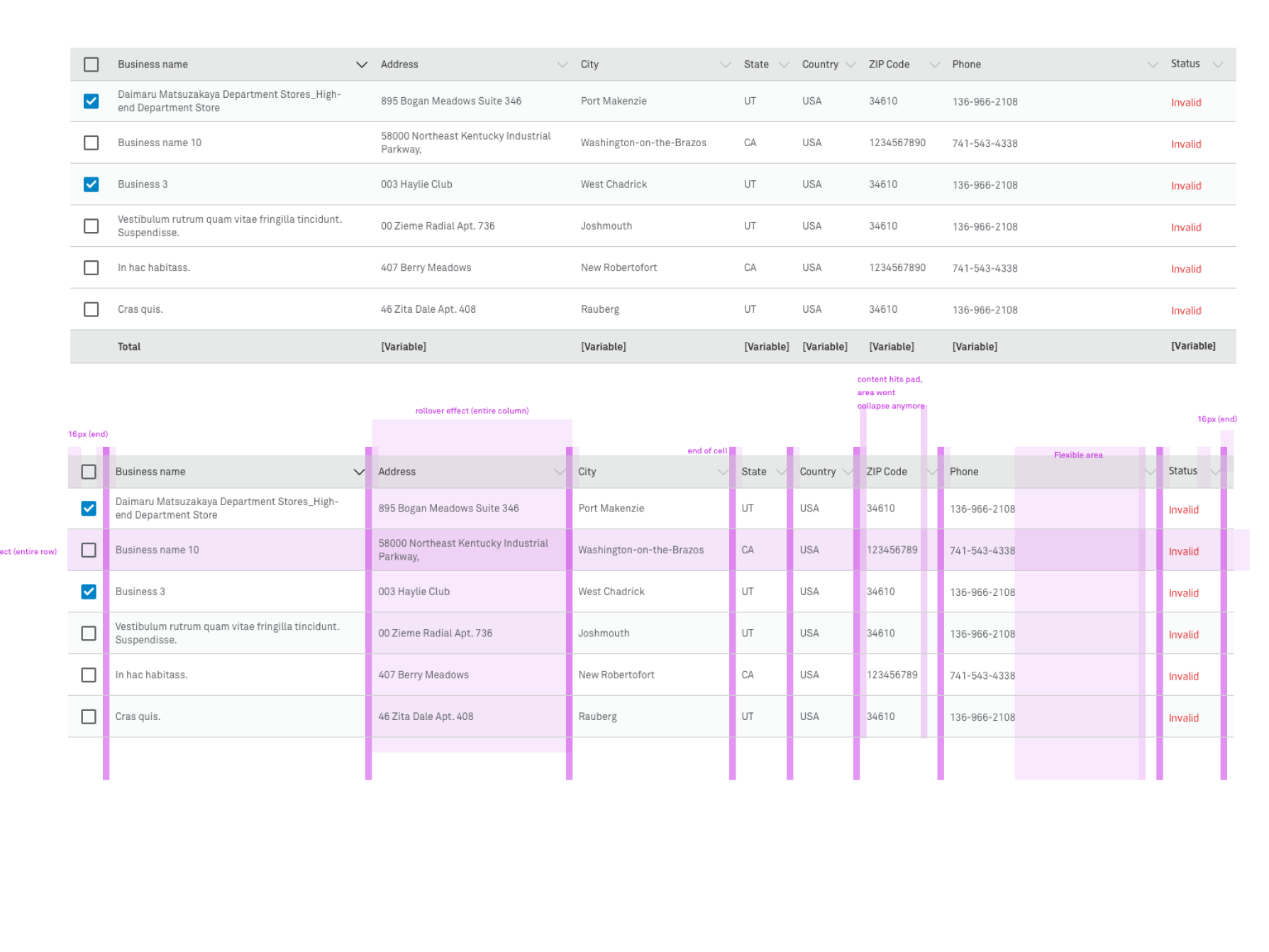
- Utilize interactive charts, graphs, and tables to present key performance indicators (KPIs), sales data, customer demographics, and campaign analytics.
- Ensure that data visualization elements are optimized for mobile viewing and interaction, with intuitive gestures and touch-friendly controls.
 ⛶ Full size
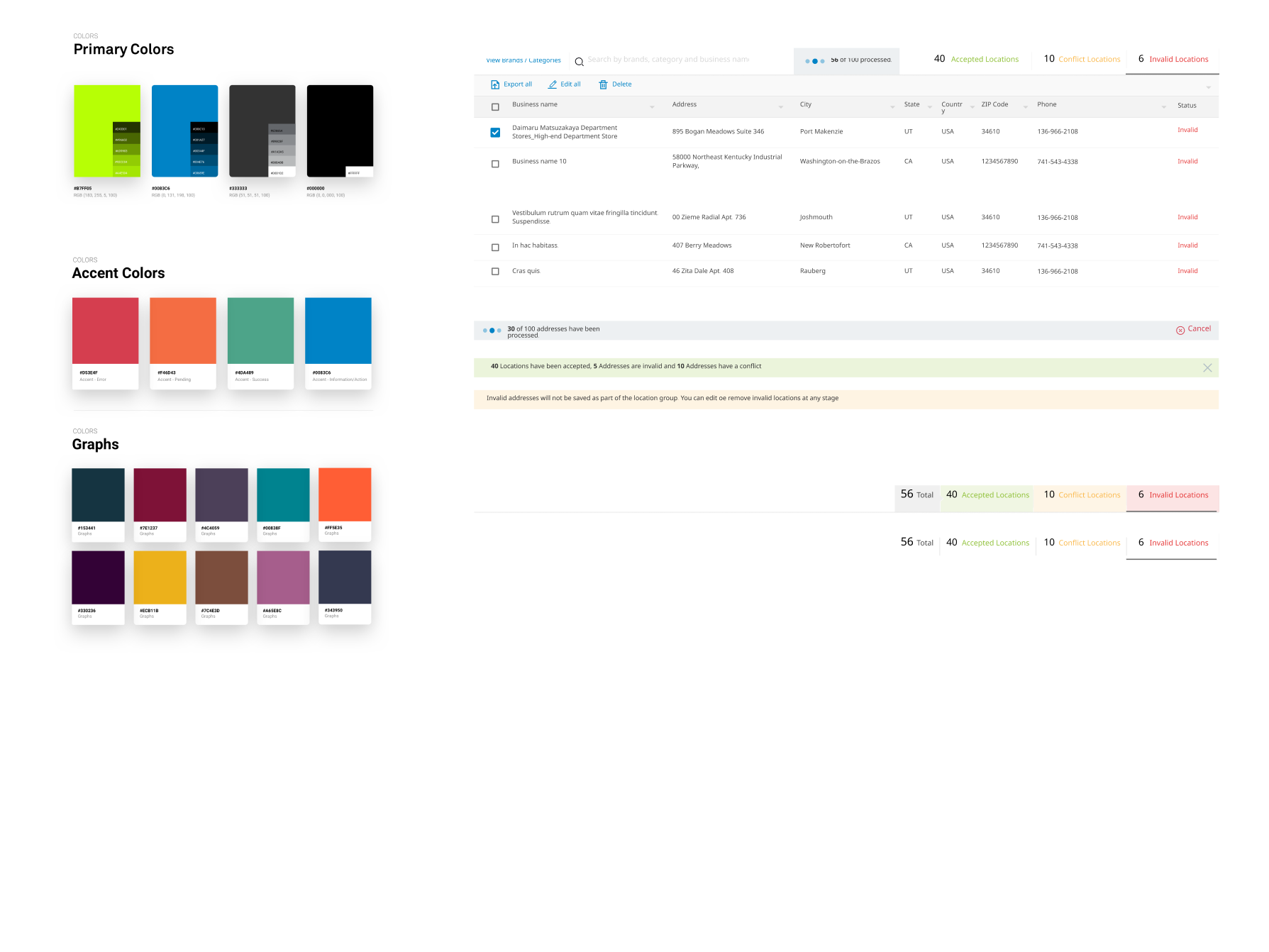
- Apply the updated branding elements and visual identity guidelines to the dashboard design, ensuring consistency with the overall brand image.
- Incorporate brand colors, typography, and imagery in a way that enhances the user experience and reinforces brand recognition.
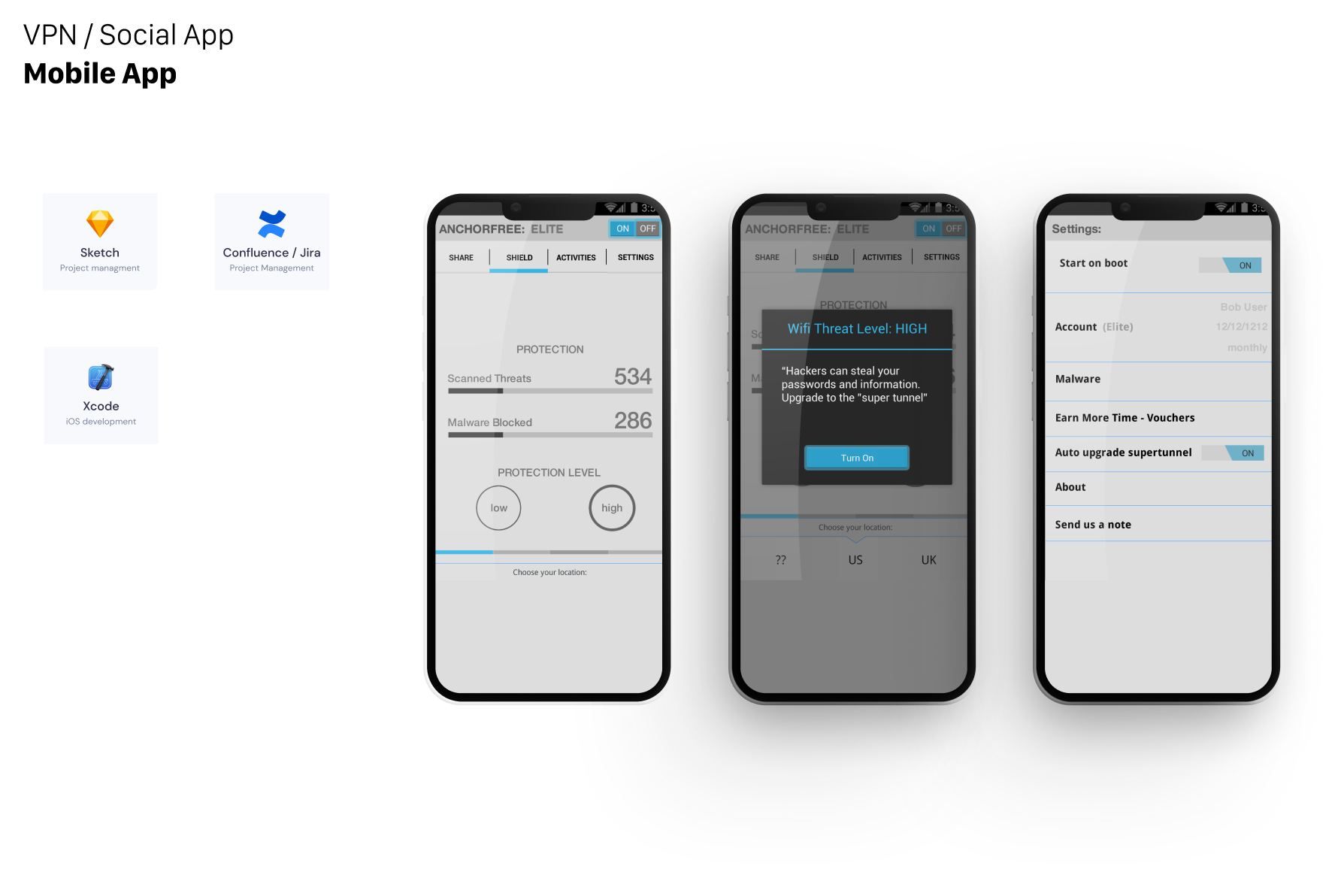
- Design an intuitive and user-friendly interface that guides users through the dashboard's features and functionalities.
- Prioritize the most important information and actions, keeping the interface clutter-free and easy to navigate.
- Use clear labels, icons, and visual cues to aid comprehension and facilitate interaction.
 ⛶ Full size
- Optimize the dashboard's performance for mobile devices, minimizing loading times and resource consumption.
- Implement lazy loading and progressive rendering techniques to prioritize content and improve the overall user experience, especially on slower connections.
- Ensure that the dashboard design is accessible to users with disabilities, following accessibility standards and guidelines.
- Provide alternative text for images, proper contrast ratios, and keyboard navigation options to accommodate diverse user needs.
 ⛶ Full size
 ⛶ Full size
 ⛶ Full size