About this project
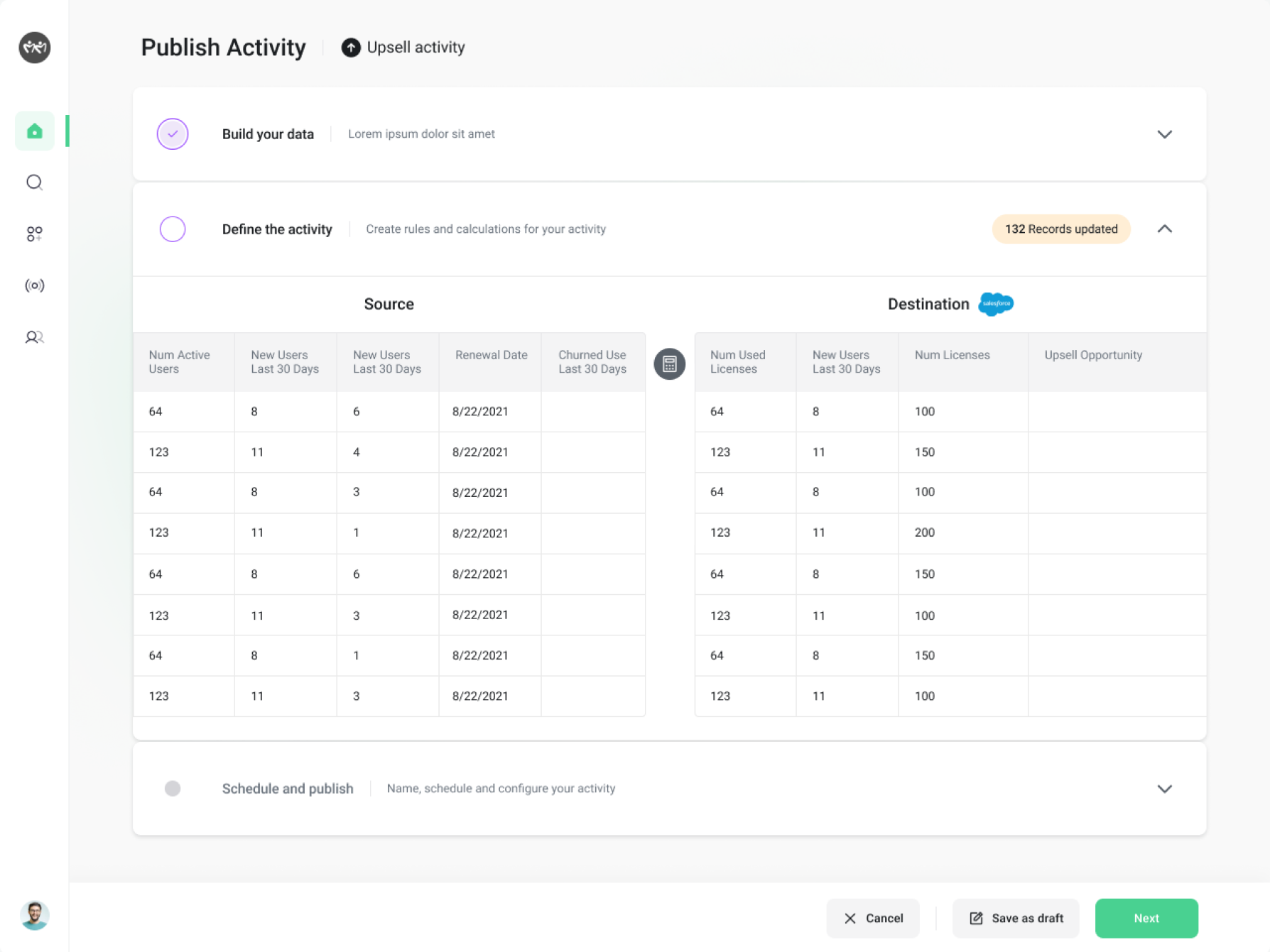
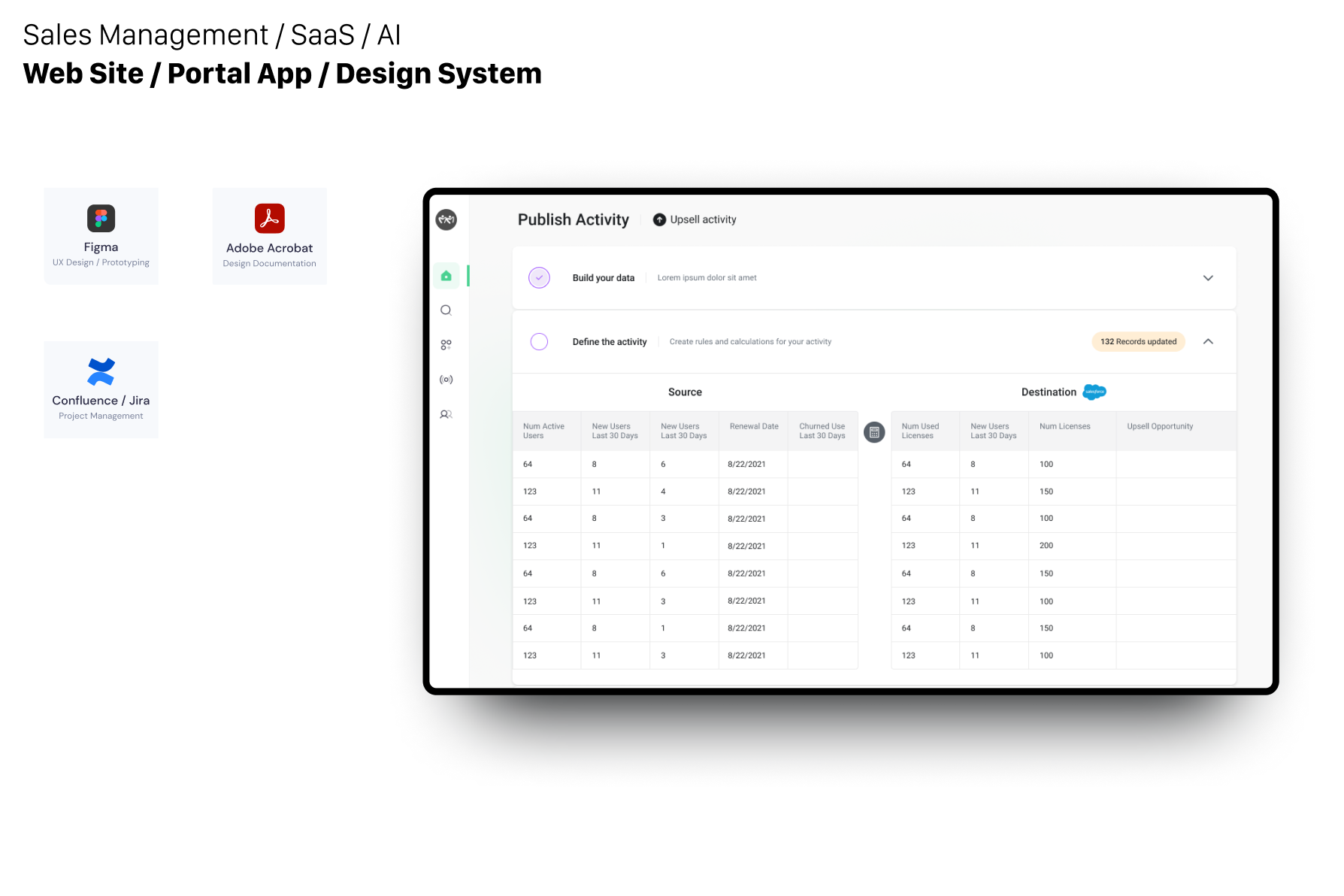
Creating a SaaS-based web tool targeting sales and target opportunities using AI along with predictive models - involves several steps, including designing a scalable design system and brand assets. Here's a detailed guide:
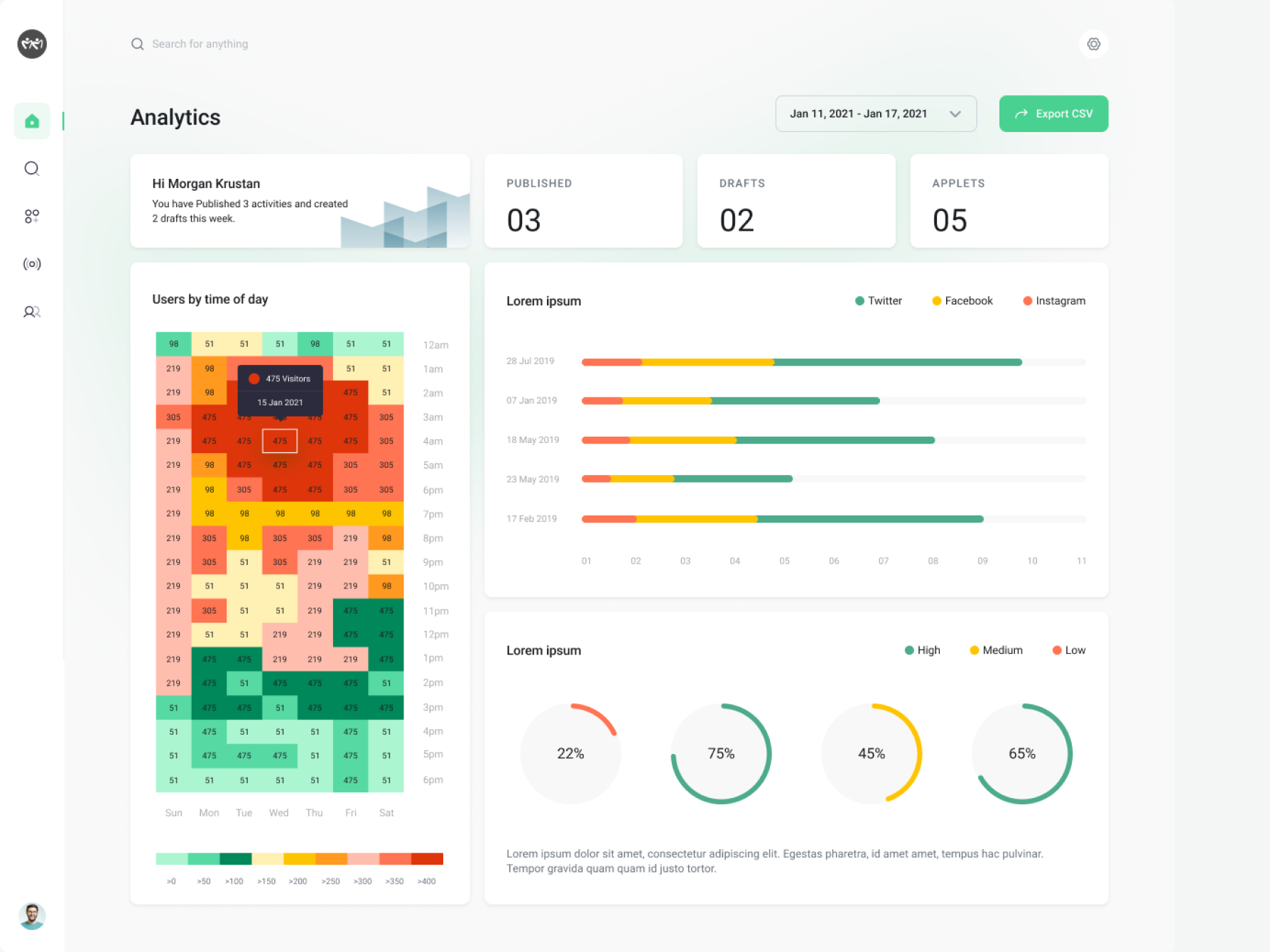
Data Visualizations
Market Research and Analysis- Conduct market research to identify target industries, businesses, and pain points related to sales and opportunity targeting.
- Analyze competitors in the SaaS space to understand their offerings, pricing models, and key features.
- Identify opportunities for differentiation and innovation in the market.
- Clarify the objectives of the SaaS-based web tool, such as helping sales teams identify and prioritize high-value opportunities, streamline sales processes, and increase revenue.
- Determine the target audience for the tool, including sales professionals, managers, and executives in various industries.
 ⛶ Full size
- Define core features and functionalities based on the identified objectives and target audience needs.
- Prioritize features such as lead management, opportunity tracking, pipeline visualization, sales forecasting, and performance analytics.
- Consider additional features such as integrations with CRM systems, email marketing tools, and business intelligence platforms to enhance the tool's utility and value.
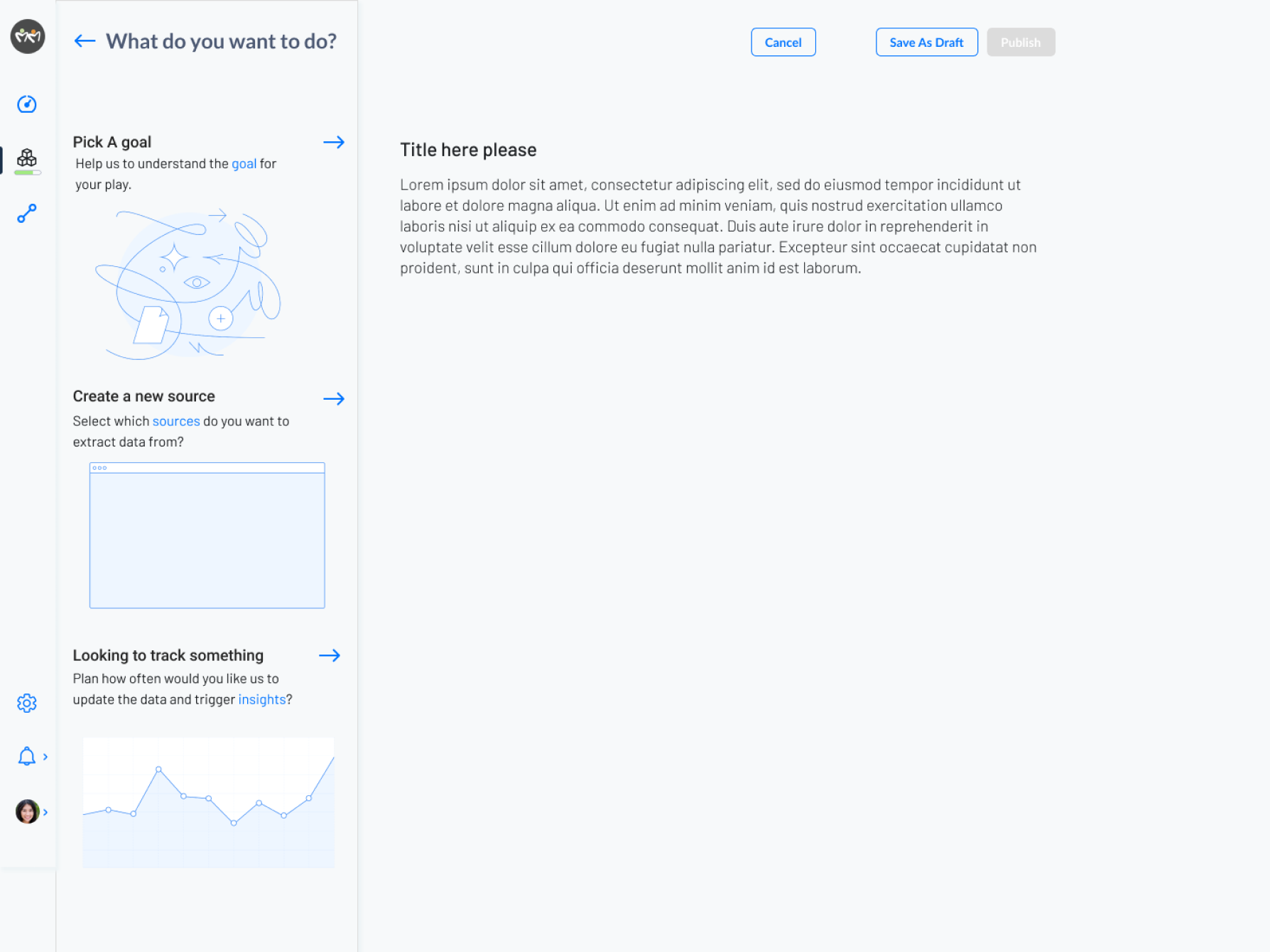
- Develop a design system that provides consistency and coherence across the user interface, visual elements, and interactions of the web tool.
- Define design principles, color palettes, typography, iconography, and UI components to create a cohesive and visually appealing user experience.
- Create reusable UI components and design patterns to expedite the development process and ensure consistency across different parts of the application.
 ⛶ Full size
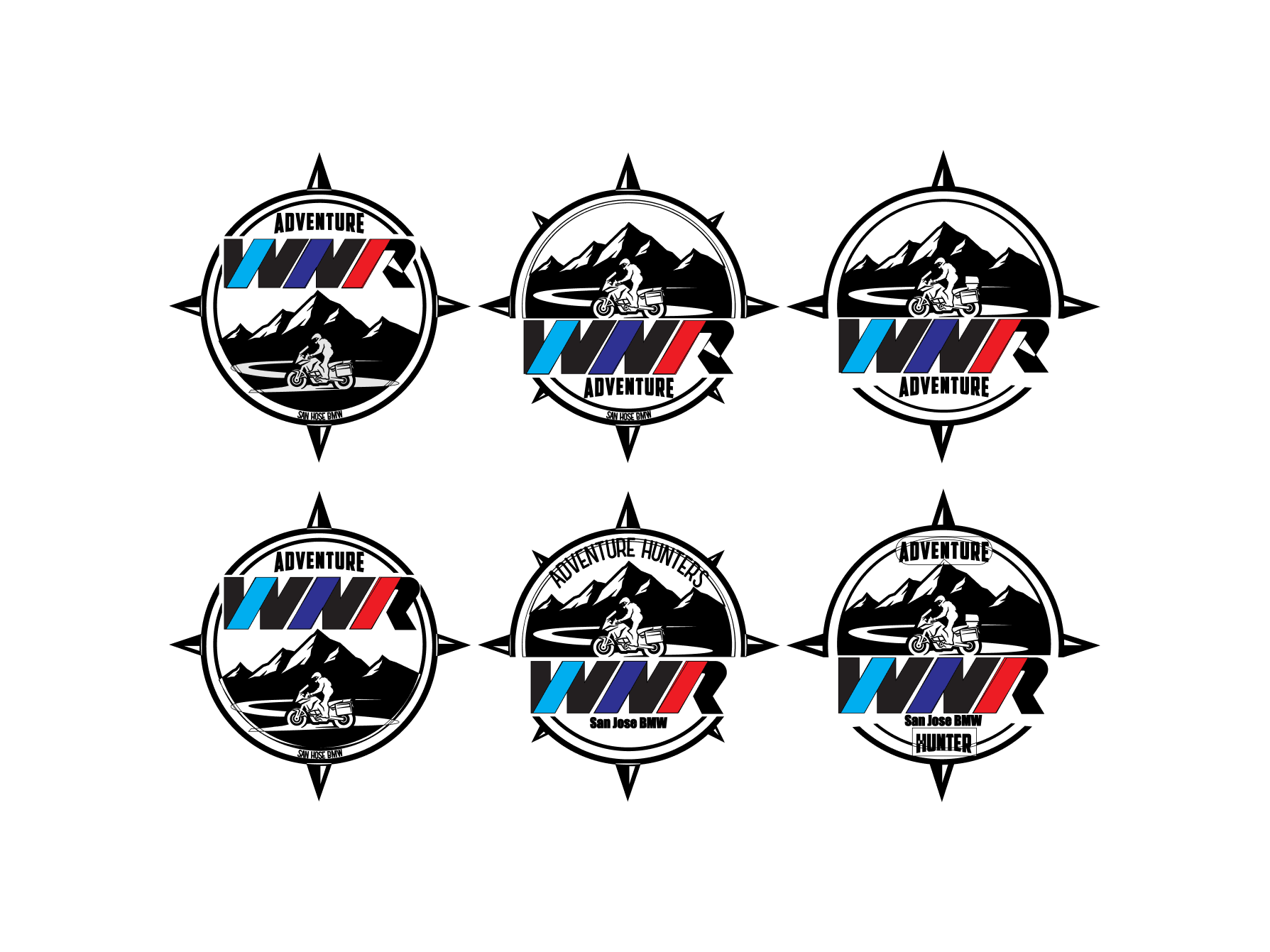
- Define the brand identity and positioning for the SaaS-based web tool, including the brand name, logo , and brand assets such as icons, and marketing illustrations.
- Develop brand guidelines that outline the visual and verbal elements of the brand, including colors, fonts, icons, and brand imagery.
- Create marketing collateral such as website content, marketing banners, product demos, and promotional materials that reflect the brand identity and resonate with the target audience.
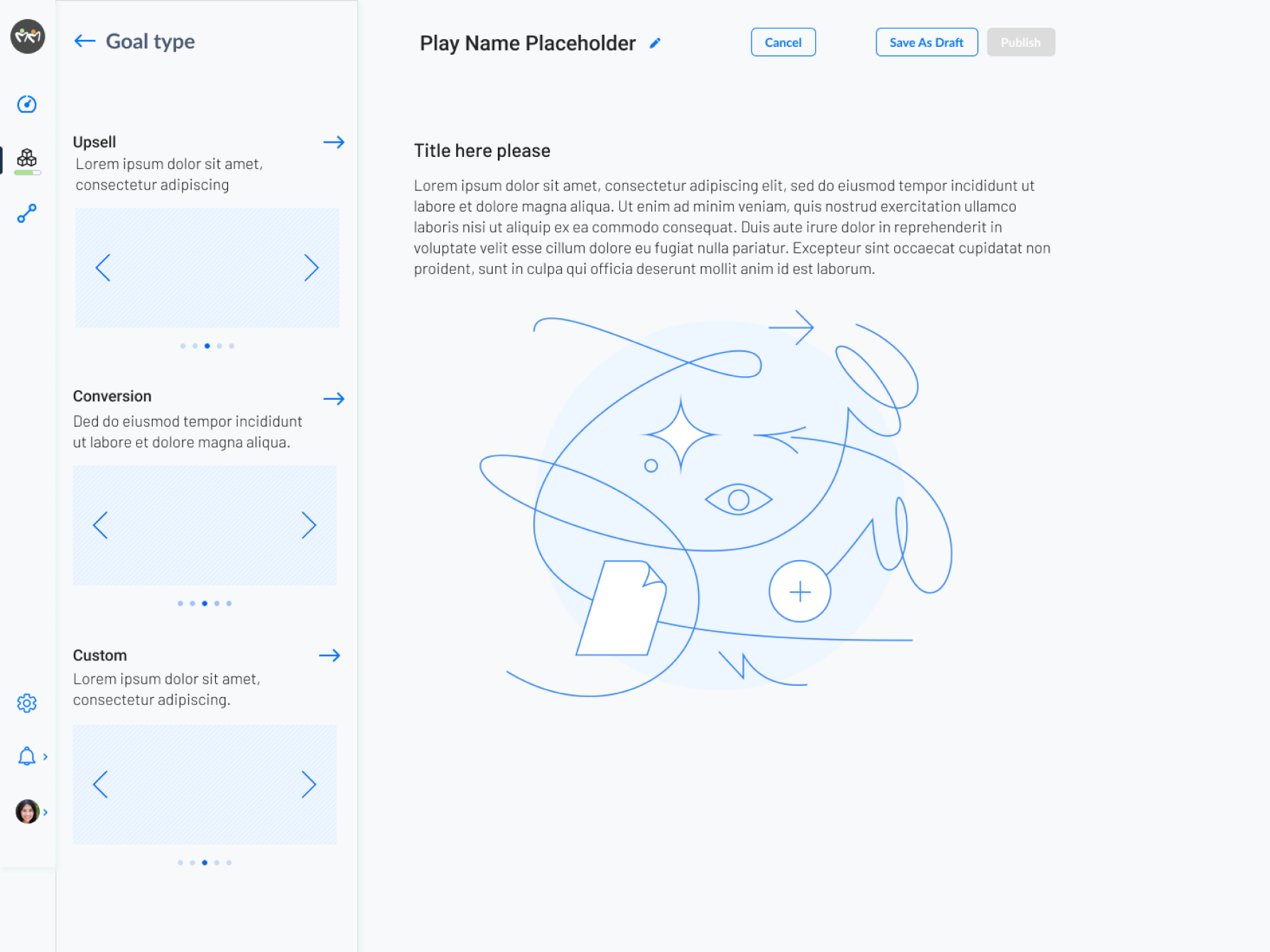
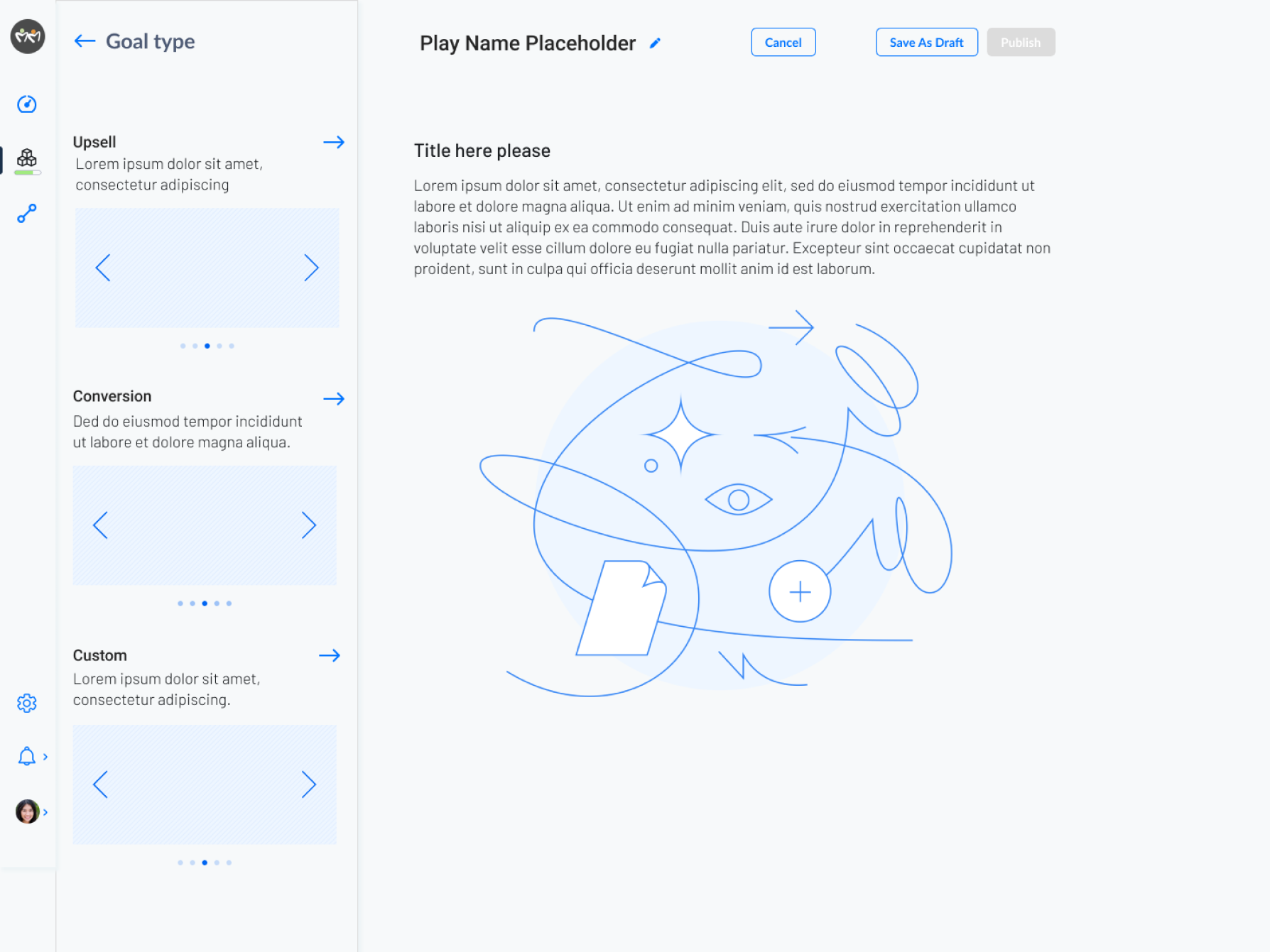
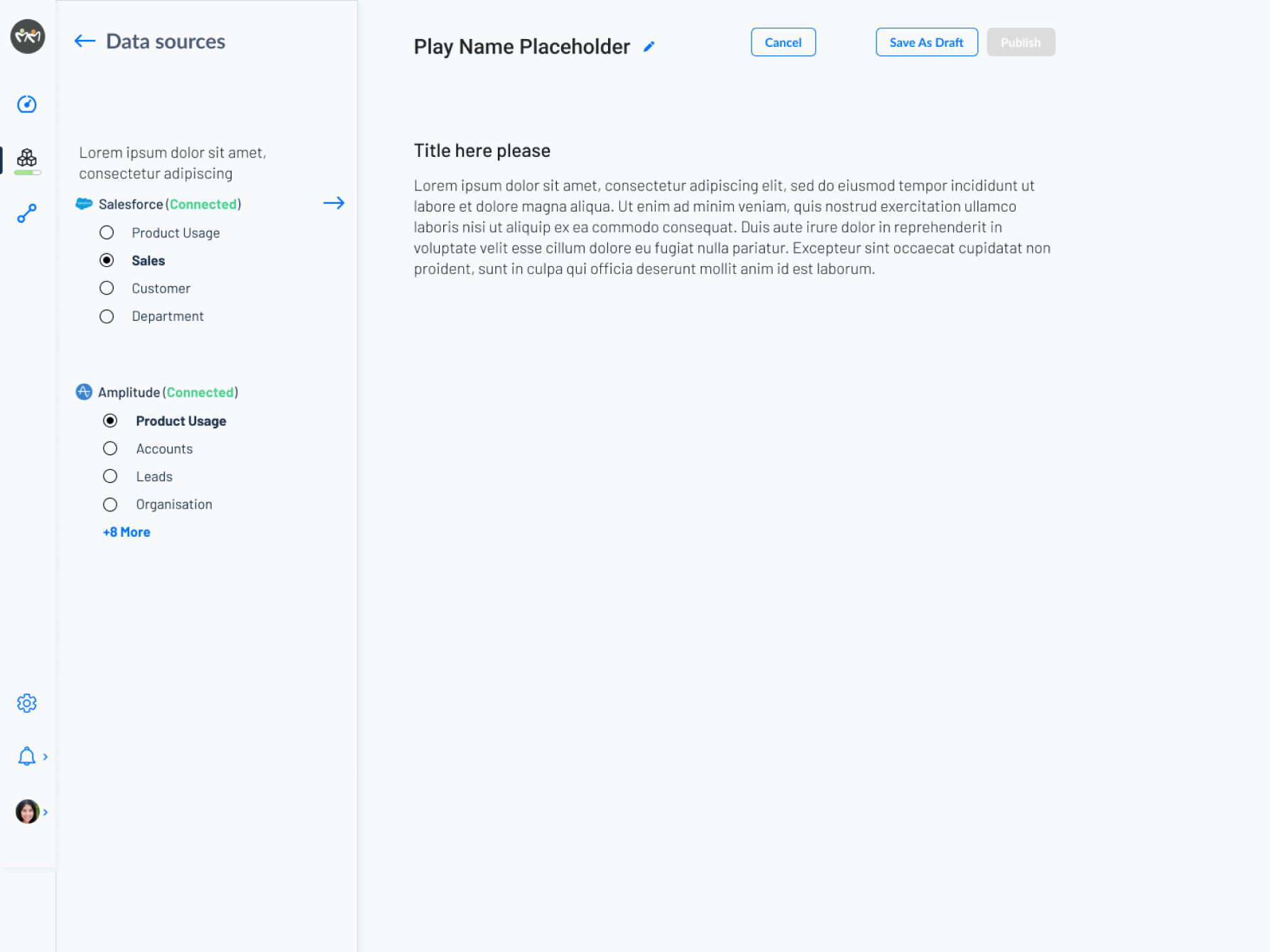
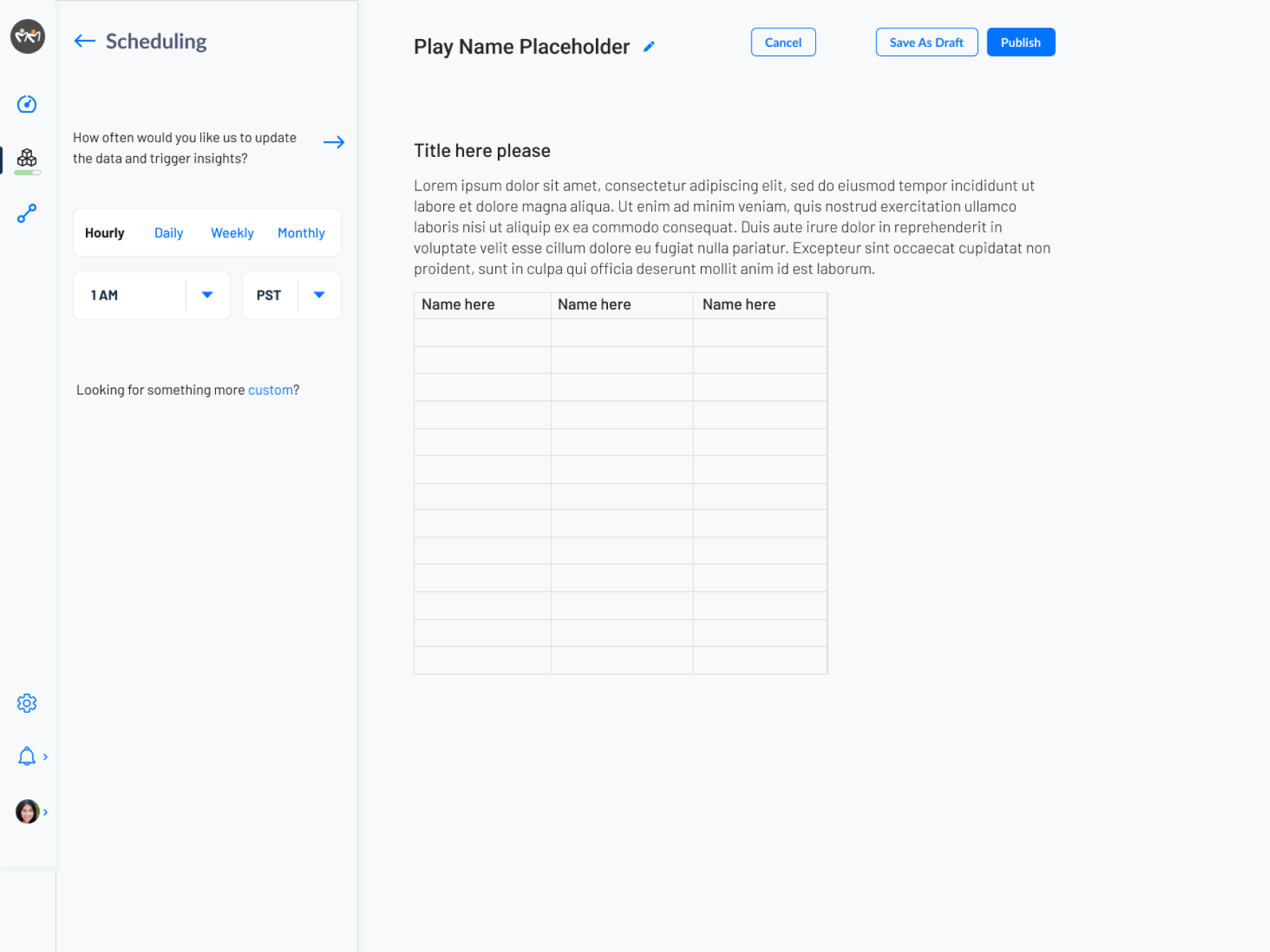
- Design the user interface (UI) and user experience (UX) of the web tool, ensuring intuitive navigation, clear information architecture, and efficient workflows.
- Create wireframes and prototypes to visualize the layout, structure, and interactions of the application.
- Incorporate feedback from usability testing and iterate on the design to optimize usability and user satisfaction.
 ⛶ Full size
- Conduct comprehensive testing of the web tool to identify and fix any bugs, errors, or usability issues.
- Perform cross-browser and cross-device testing to ensure compatibility and consistency across various environments.
- Test security measures such as data encryption, user authentication, and access control to protect sensitive information and prevent unauthorized access.
By following these steps and leveraging a fresh design system and brand creation process, I developed a SaaS-based web tool targeting sales and target opportunities that offers a compelling user experience and delivers value to businesses and sales professionals.
- Provide ongoing customer support and assistance to users of the web tool, addressing any questions, issues, or feedback they may have.
- Collect user feedback and insights to inform future updates and enhancements to the tool, prioritizing features and improvements based on user needs and preferences.
- Establish a feedback loop with customers to foster engagement and loyalty, and to continuously improve the tool based on user input.
 ⛶ Full size
 ⛶ Full size
 ⛶ Full size
 ⛶ Full size
 ⛶ Full size
 ⛶ Full size
 ⛶ Full size
 ⛶ Full size